Fills in words mid-sentence.
Put the cursor between two words and Typella suggests the one that fits what comes after. Tab puts it in.
Typella puts grey suggestions at your cursor in Mail, Slack and most Mac apps. Press Tab to take the next word.
Free for 14 days · No account, no card · macOS 14+ on Apple Silicon
An illustration of how Typella works in Mail: grey words are the suggestion. Click the window and press Tab, or tap the key above, to take the next word.
Put the cursor back in a sentence, and Typella helps there too.
Put the cursor between two words and Typella suggests the one that fits what comes after. Tab puts it in.
Press ⌥ ⇧ Tab after a word. Best fit first: Return takes it, or press 1–5.
The fix waits in grey after the word. Tab applies it, or keep typing to ignore it. And it won't invent a date or a number you didn't type.
Illustrations of Typella in other apps, not screenshots.
A word only counts as a typo when it's wrong in every language on your Mac, so your Danish, German or French stays as you wrote it. Every shortcut is on Tab, so it works the same on any keyboard layout.
Danish left alone. English typo fixed. An illustration.
Free for 14 days · from $29 once · 30‑day refunds
MailSlackNotionMessagesSafariChromeNotesPages
And almost any other text field on your Mac. No plugins, no per-app setup.
Every shortcut can be changed in Settings.
Typella lives in the menu bar, with no Dock icon.
macOS asks once. That's how Typella reads the field you're typing in.
A 3.4 GB download, once. Then start typing in any app.
Describe how you write, give each app its own instructions, and list words it should never suggest.
Off until you turn it on. Then it keeps your finished sentences on your Mac and picks up habits, like no full stop in chat. Erase removes it all.
If you allow it, it uses text you copied and text on screen, so a reply fits the message it answers.
Turn it off for one app or one website, or pause it for a while. It never appears in password fields.
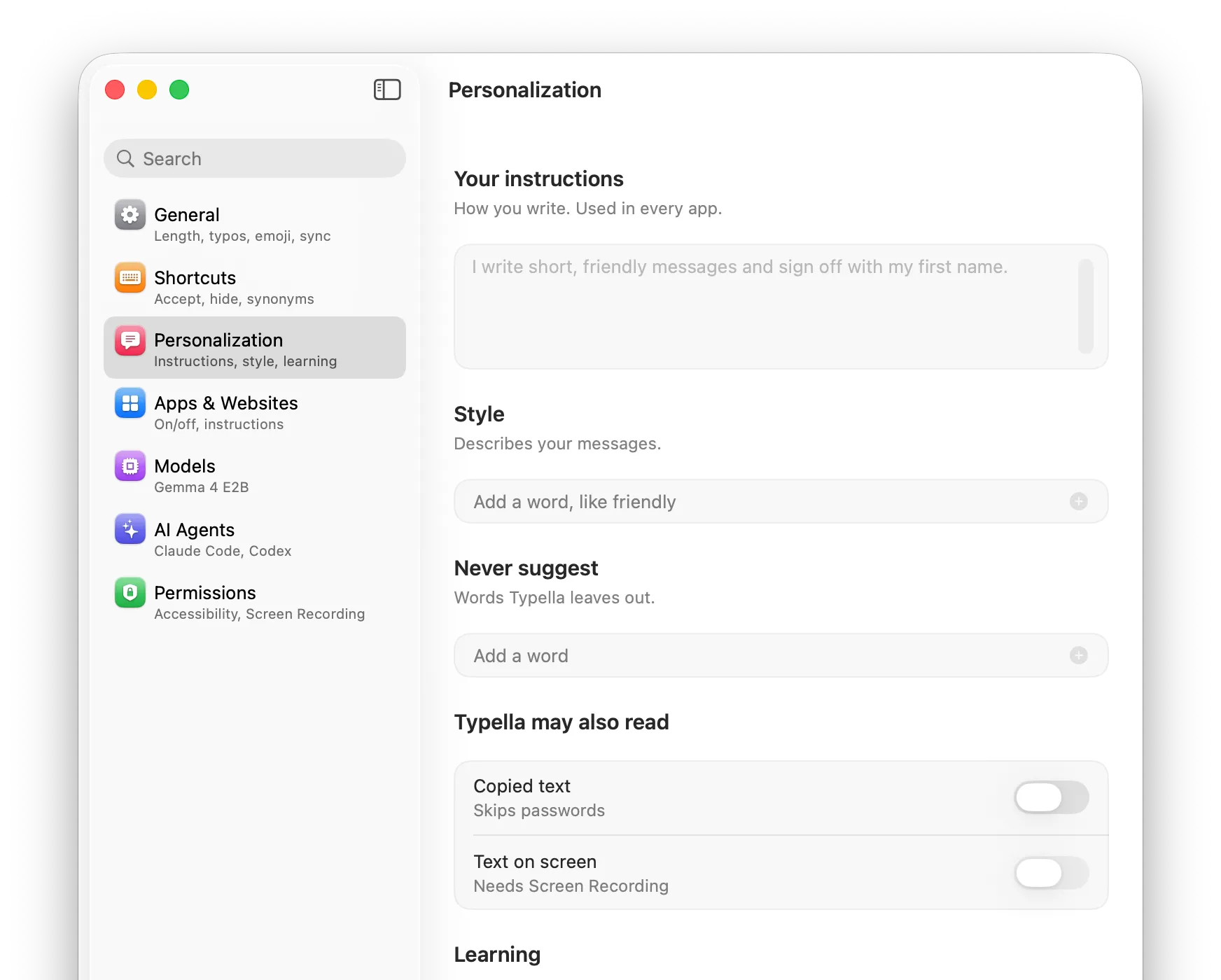
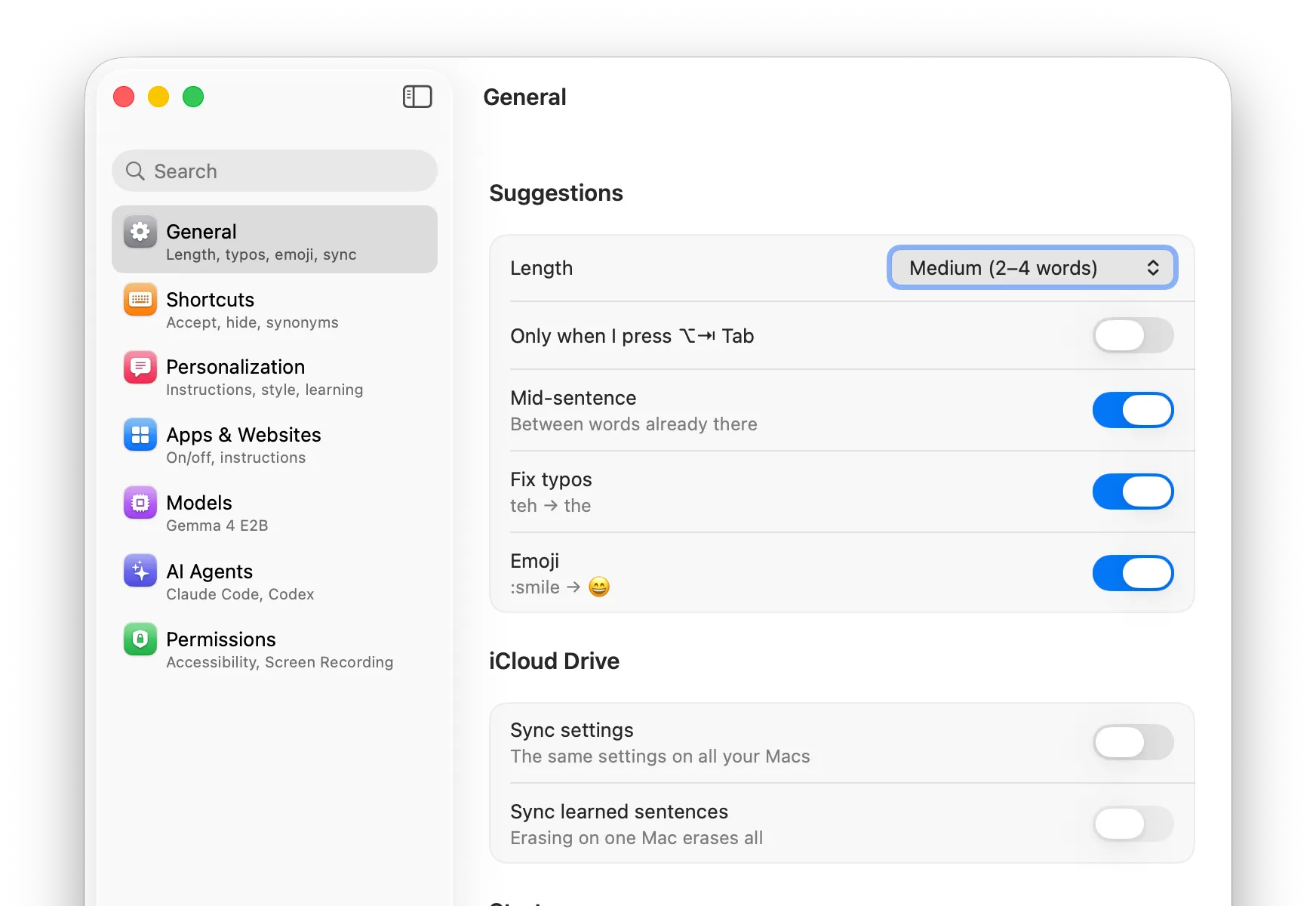
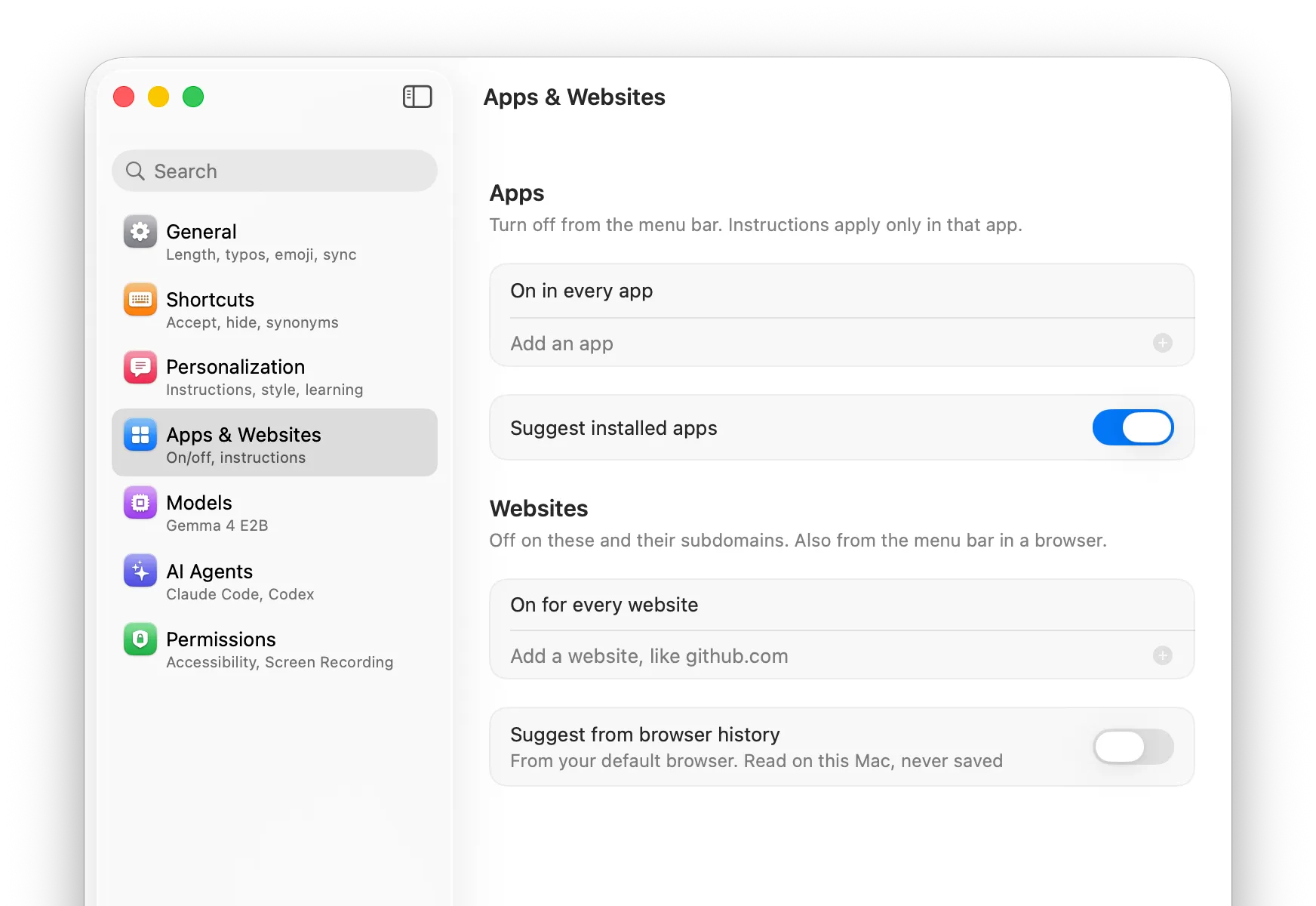
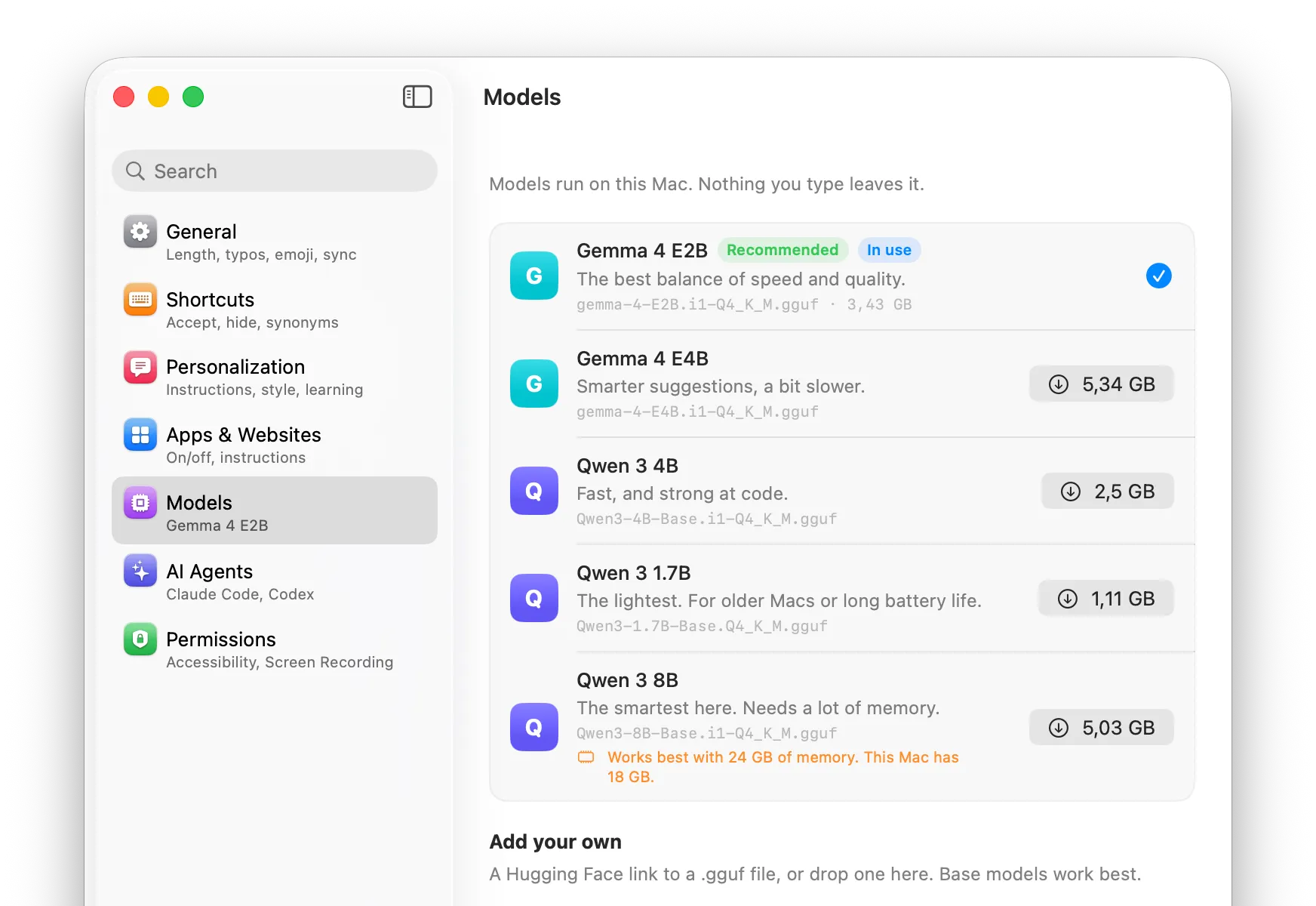
Screenshots of Typella's Settings on macOS.
Suggestions come from a 3.4 GB model running on your Mac, so it works offline too. Your typing isn't sent to a server to make them, and there's no account.
Sync keeps your settings, and the learned sentences you choose, the same on every Mac, through your own iCloud Drive.
Read the privacy page ›Mid-sentence completion, synonyms, sync and per-app instructions come with every Typella license. Here's how other apps price them.
| Feature | Typella | Cotypist | TypeTab |
|---|---|---|---|
| Completes inside existing text | Yes | Pro | Not listed |
| Synonyms for a word | Yes | Pro (Labs) | Not listed |
| Sync between Macs | Yes | Pro (Labs) | Not listed |
| Your own instructions, per app | Yes | Pro | Not listed |
| Price | $29 once (1 Mac) · $49 once (3 Macs) | $72–108 a year | $49 once |
Looking for a Cotypist alternative? Typella vs Cotypist › Typella vs TypeTab ›
From each app's own website, checked 17 November 2026.
$29 for 1 Mac, or $49 for up to 3 Macs. Every feature on both, with free updates for this major version. Try every feature free for 14 days first.
Not for you? Ask for a refund within 30 days.
Apple Silicon Macs (M1 or newer) with macOS 14 or later.
Not to make suggestions: the model runs on your Mac. Typella only goes online to download the model, check for updates and, once you've bought it, check your license key. If you turn on sync, your settings, and the learned sentences you choose, are stored in your own iCloud Drive.
English best, and other languages the model knows, such as Danish, German, French and Spanish. Typo fixes respect every language set up on your Mac.
The trial lasts 14 days with every feature, and needs no card or account. After it, buy a license to keep using Typella: $29 for 1 Mac or $49 for up to 3.
Yes, for any app or website, from the menu-bar icon. You can also pause it for a while.
Yes. Typella ships with an MCP server, so Claude Code or Codex can read and change its settings for you. Settings → AI Agents shows the setup.
No. $29 once for 1 Mac, or $49 once for up to 3 Macs. Both have every feature and free updates within the major version. If it isn't for you, ask for a refund within 30 days.